N°001 — A calmer tracker
Put the work
in order.
Normalize ERP is the small project & task tracker we built for our own work — a kanban board, a list, a backlog, and honest time logging. Nothing else. That's the point.
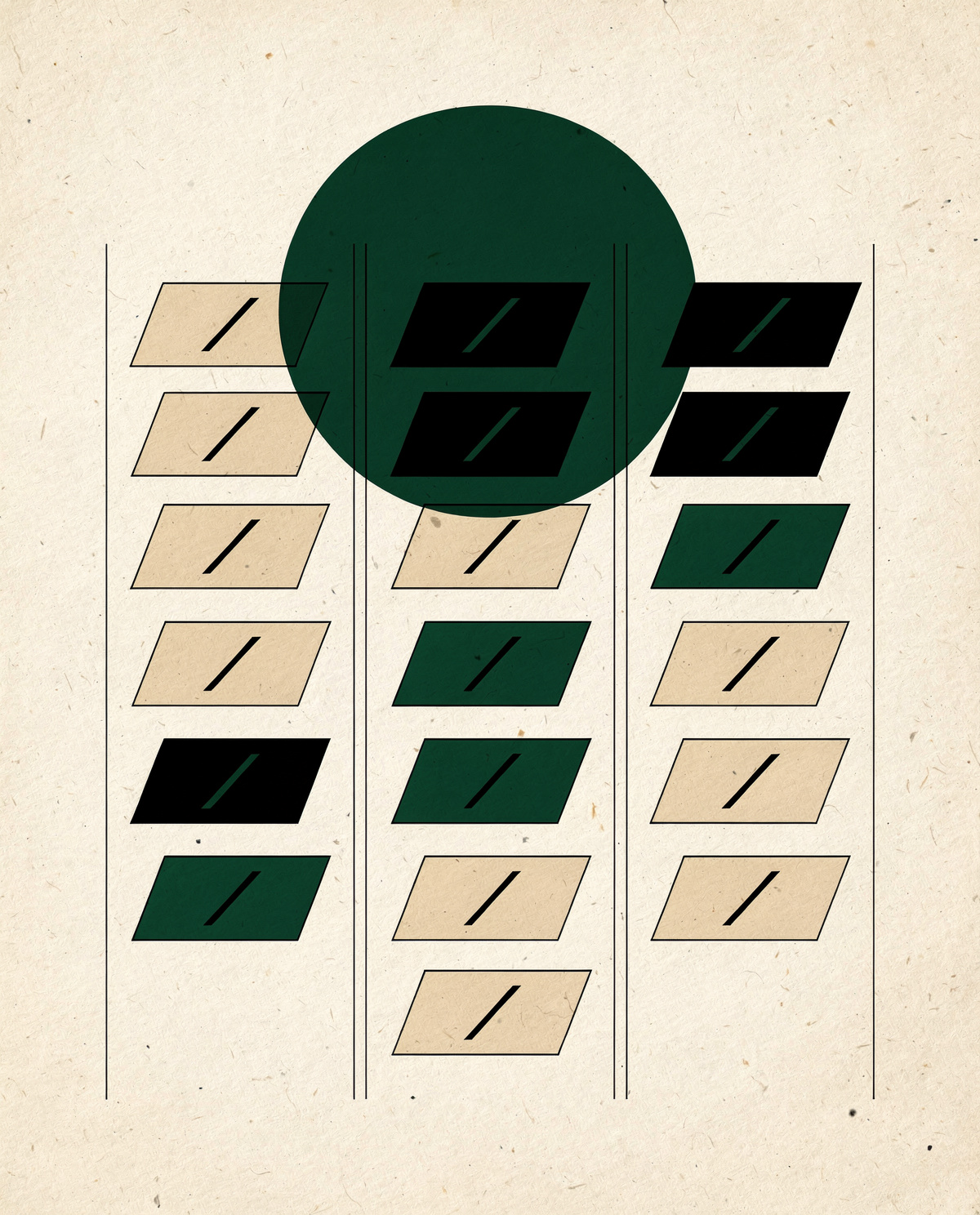
01 —The idea
Most trackers grew into kitchen sinks. We built a chef's knife.
No automations engine1. No custom fields. No goal trees, portfolios, or wiki. Projects hold tasks; tasks move across one board; hours get logged against them. Light reporting on top.
Everything your team actually touches every day — and nothing that needs an admin certification to configure. We made it for our own studio; the clients we work with use the same board, and nothing is hidden behind a plan or a pitch.

1 Almost. There's no rules-and-triggers engine to wire up here — but that is the point of the connector (N°006), not a gap. Point an agent at the board instead: link Claude and it plans the work, files the tasks and logs the hours for you. The automation you bring, not one you assemble.
02 —What's inside
The board
Eight statuses from backlog to done. Drag a card, the whole team sees it move.
The list
Sort, filter, edit inline — for the days you need a spreadsheet's honesty.
The backlog
A quiet room where ideas wait their turn. Groom it, then promote.
The clock
Start a timer or log hours by hand. Every task shows logged against estimate.
The conversation
Rich-text notes with @mentions. The discussion lives on the task, not in chat.
The signal
In-app, email, and web push — each person tunes their own noise.
also in the box — subtasks · task numbers & deep links · link previews · csv export · attendance check-in · multiple workspaces · roles & permissions · per-channel notification preferences · changelog
03 —The clock
Time you can stand behind.
04 —The team
Everyone knows whose move it is.
Tasks take several assignees · mentions find the right people · every workspace keeps its own walls.
N°005 — Your workspace
Give every project a face.
Twenty built-in marks, drawn two ways — a crisp line glyph or its painted twin. Pick one when you spin up a project; it rides the card, the list row and the project header, so the eye finds the work before the words do.
Showing art icons

Q3 Product Launch
12/18 tasks · 96h

Design System 2.0
9/15 tasks · 74h
Data Migration
15/20 tasks · 120h

Growth Experiments
7/7 tasks · 52h

Mobile App v2
5/12 tasks · 40h
Investor Reporting
3/6 tasks · 18h

SOC 2 Readiness
6/14 tasks · 61h

Brand Direction
2/9 tasks · 31h

Sustainability Microsite
2/16 tasks · 12h

Perf Sprint
6/6 tasks · 22h
Client Onboarding
8/13 tasks · 44h
Your next project
pick an icon →
fig.05 — your workspace, at a glance · twenty marks, line or art, one per project
N°006 — The connector
Talk to your tracker.
Normalize ERP ships a built-in MCP connector. Link your account to Claude and ask it to file tasks, log your hours, and read the board back to you — same permissions, same audit trail.